Walk through the space
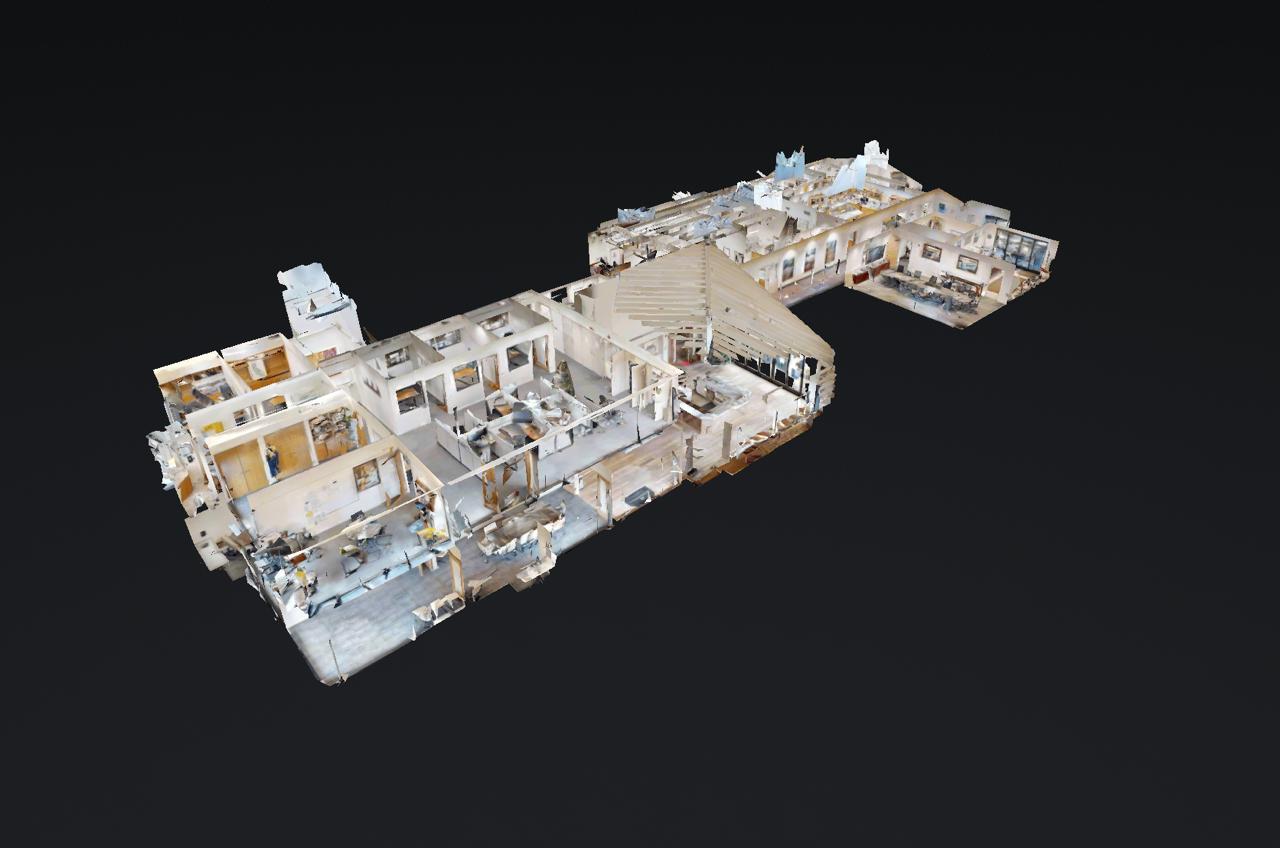
Matterport Pro3 capture and a hosted 3D tour give your team a shared view of the existing interior.
Work & services
Commercial reality capture and scan-to-Revit, with examples you can explore.
Move through the space and look around. The tour gives remote teams a shared visual reference for the layout and visible conditions.
Matterport Pro3 capture. Example provided by Aerial Imagery.
Compare the captured space with the Revit model. Use the Autodesk viewer to explore the geometry from different angles.
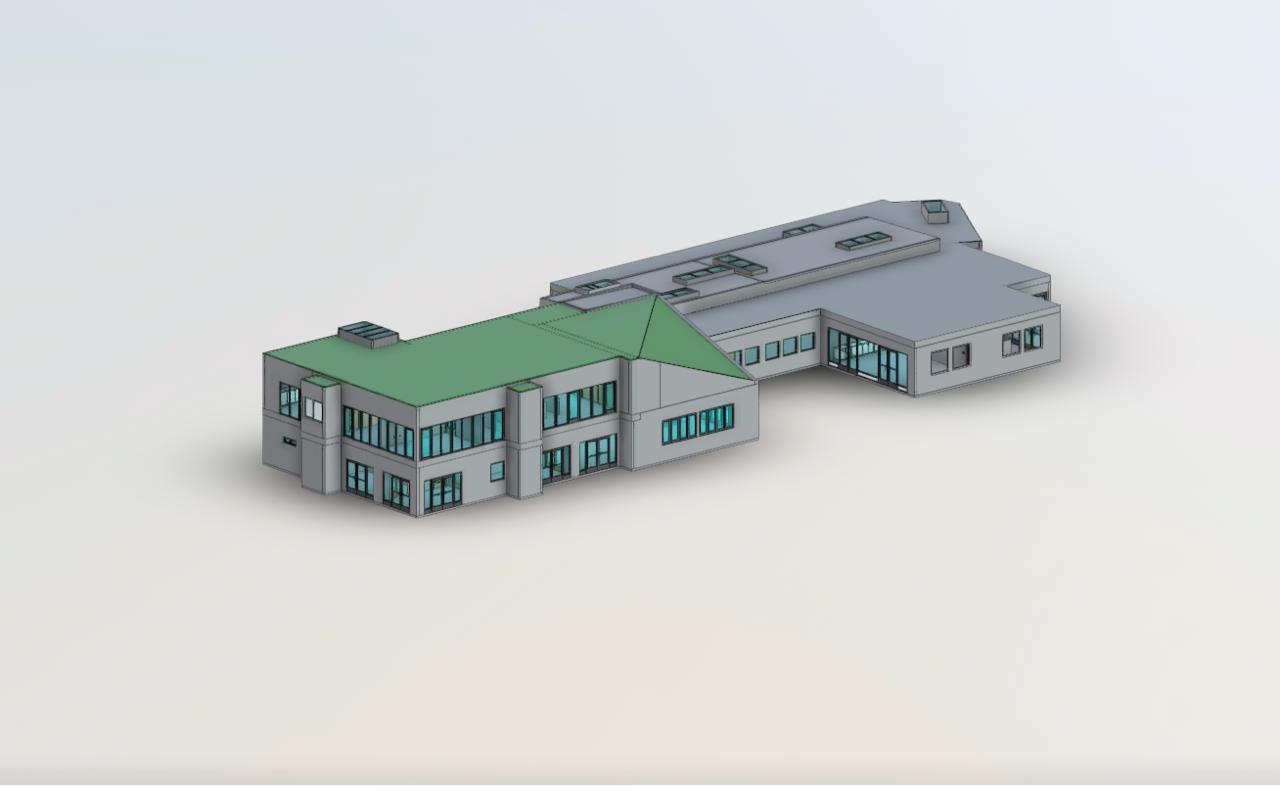
Opens in Autodesk in a new tab. Example provided by Aerial Imagery.
Deliverables
A visual walkthrough, spatial data, or a model your design team can use. We scope the right combination with you.
Matterport Pro3 capture and a hosted 3D tour give your team a shared view of the existing interior.
E57 point clouds provide spatial data for your coordination and modeling workflow. Export requirements are agreed in the project scope.
A Revit model translates the captured building into geometry for renovation and design. Model detail and deliverables are defined with your team.
Before we begin
Start with the project goals. We will help define the capture and deliverable requirements.
The agreed scope can include a hosted Matterport tour, E57 point cloud, Revit model, or a combination. We confirm file formats and model requirements before capture.
Model detail depends on your intended use. Tell us which elements and spaces matter so the deliverable can be scoped around the work your team needs to do.
Confirm access to each required area, any escort or safety requirements, and restrictions on photography or scanning. Let us know about occupied areas and limited access windows.
Yes. Share the site list, priorities, and required deliverables so we can plan a consistent capture approach and discuss scheduling.
Start a conversation
Tell us about the space, the decisions ahead, and the files your team needs.
Discuss your project ↗