Walk through the space
Matterport Pro3 capture and a hosted 3D tour give your team a shared view of the existing interior.
RPP / Reality capture
Bay Area & East Bay
Commercial interiors, captured in 3D. Clear views of existing conditions and Revit models for the work ahead.
Explore our work ↘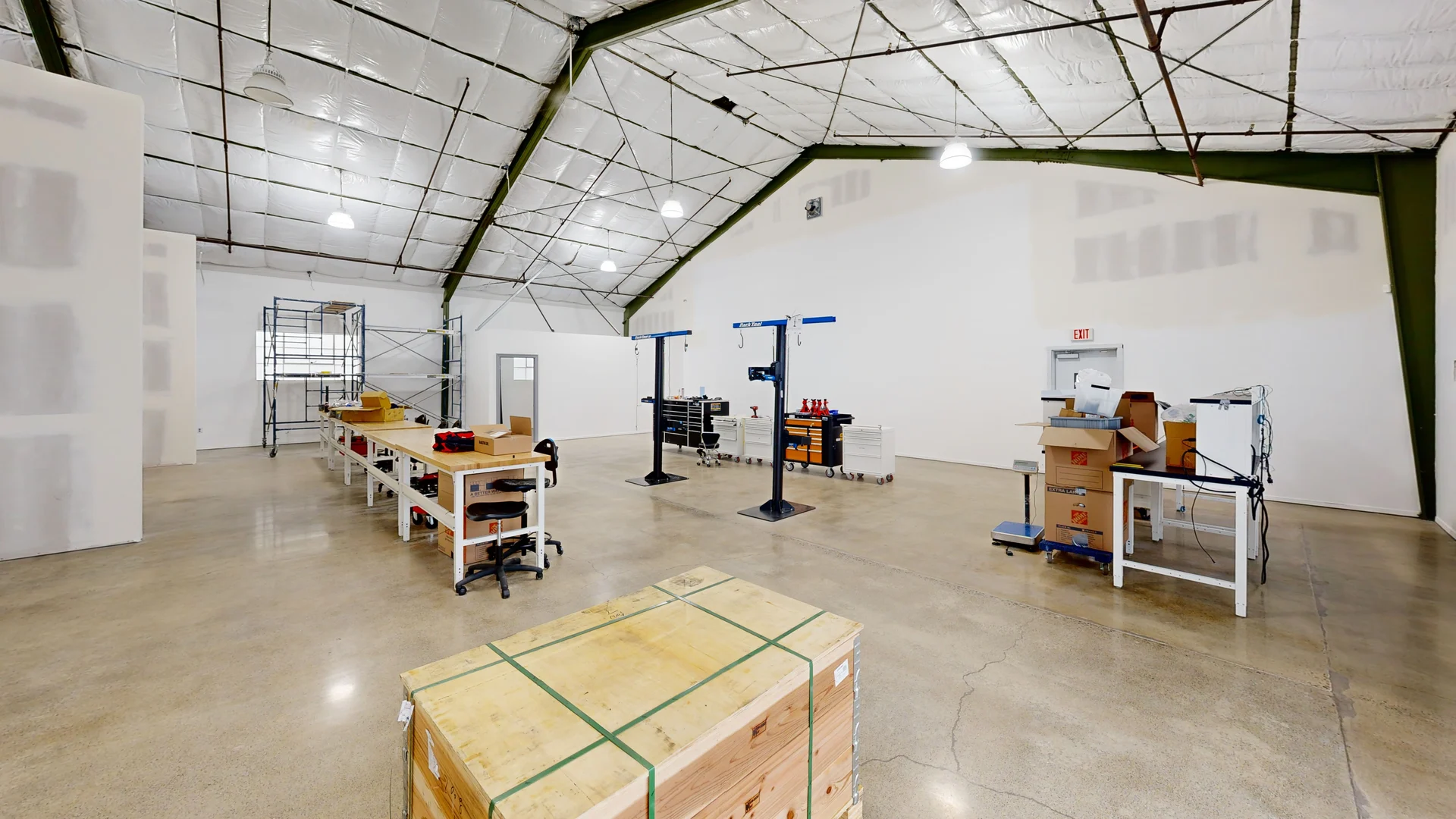
Selected work
Explore two examples of how a captured building can be viewed, understood, and brought into a design workflow.
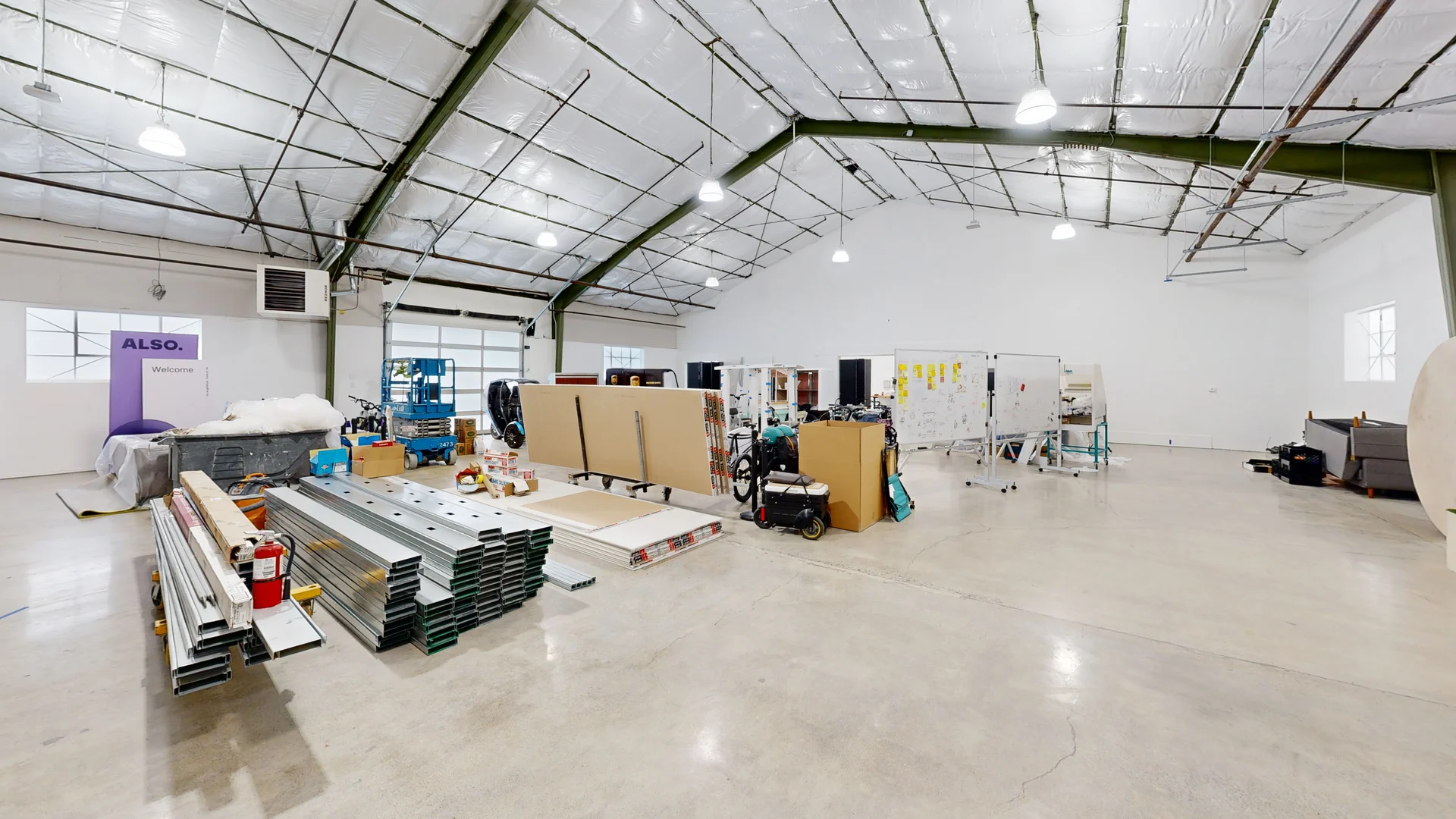
A navigable record of a commercial interior, from overall layout to visible building details.
Explore the interior ↗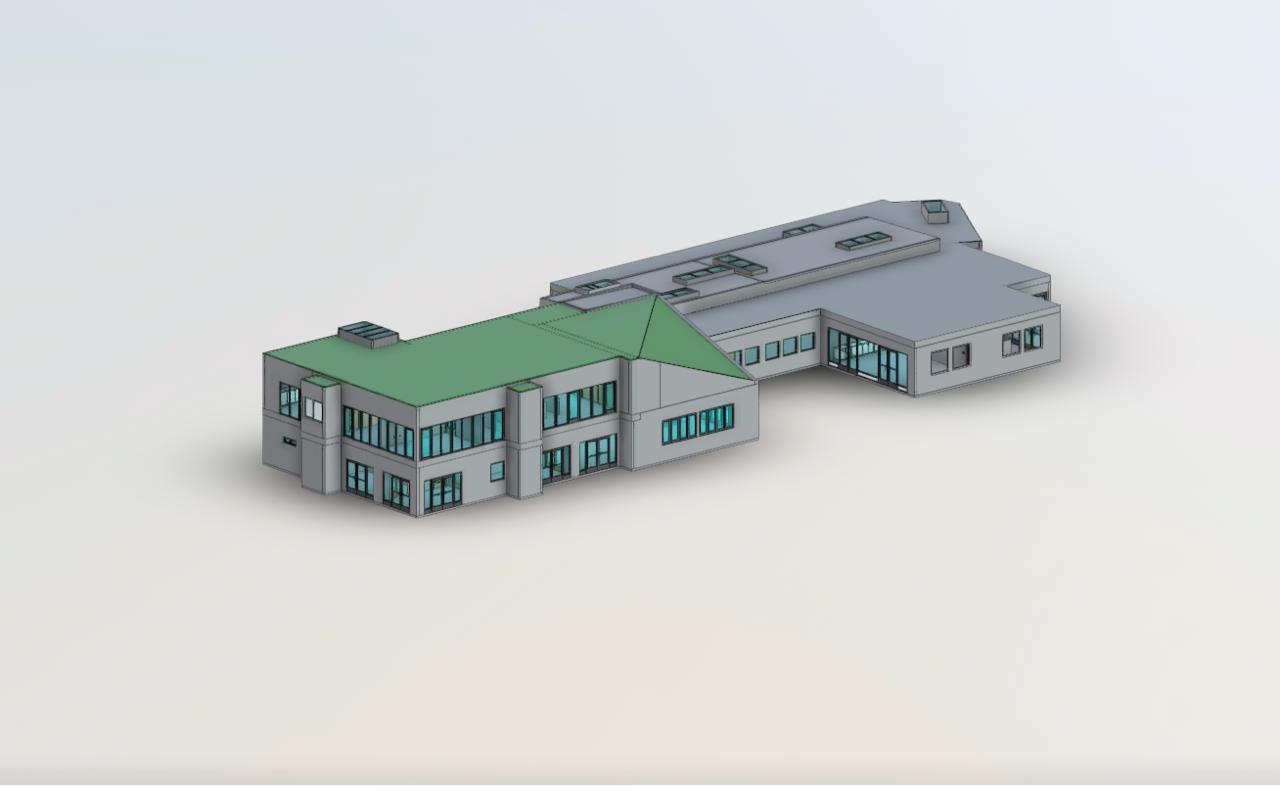
A captured building alongside its digital model. Open the model to rotate, zoom, and inspect.
Compare scan and model ↗Project examples provided by Aerial Imagery.
What we do
For architects, contractors, owners, and facilities teams planning work in existing commercial spaces.
Matterport Pro3 capture and a hosted 3D tour give your team a shared view of the existing interior.
E57 point clouds provide spatial data for your coordination and modeling workflow. Export requirements are agreed in the project scope.
A Revit model translates the captured building into geometry for renovation and design. Model detail and deliverables are defined with your team.
Start a conversation
Tell us about the space, the decisions ahead, and the files your team needs.
Discuss your project ↗